

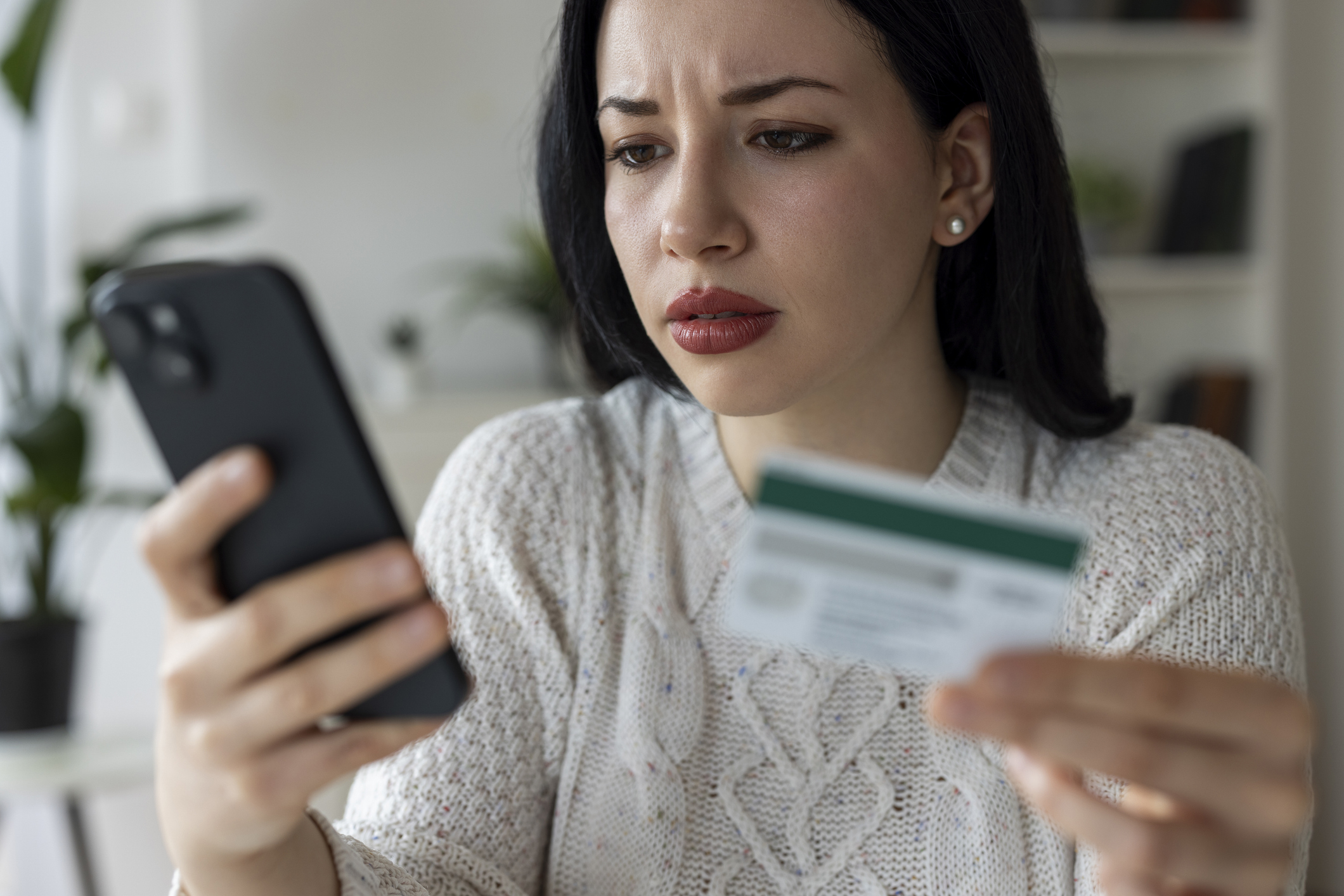
Online shopping makes it easy to find great deals and get what you need without leaving home. Unfortunately, it also gives scammers opportunities to steal your money and personal information.
From fake websites and phishing emails to fraudulent delivery notifications, online shopping scams can be difficult to spot. Fortunately, a few simple precautions can help you shop safely and confidently.
How can you stay safe while shopping online? Stick to trusted websites and apps, avoid suspicious links, use strong passwords and multi-factor authentication, choose secure payment methods and monitor your accounts for unfamiliar charges.
Here are seven tips from Sparklight to help protect yourself from online shopping scams.
1. How do you spot phishing emails and fake shopping deals?
Scammers use fake discounts, urgent messages and offers that seem too good to be true to trick shoppers into clicking malicious links or sharing personal information. Watch for these warning signs:
- Suspicious sender addresses or unfamiliar website links
- Unusually low prices or exclusive offers
- Requests for personal information or immediate payment
- Unexpected account alerts or order confirmations
Be cautious with social media ads, too. Scammers often create fake stores that look like legitimate retailers.
Stay safe: Instead of clicking suspicious links, visit the retailer’s official website or app to verify the offer.
2. How do strong passwords protect your shopping accounts?
Strong, unique passwords help protect shopping accounts that store your personal information and payment details.
Use passwords or passphrases that are at least 16 characters long, and never reuse them across websites. A password manager can help create and store them securely.
Enable multi-factor authentication (MFA) whenever available. This adds another layer of protection even if your password is stolen. Passkeys are another secure alternative when supported.
3. How do you know if an online shopping website is safe?
Before entering payment information, verify that the website is legitimate. Look for:
- Accurate web addresses: Watch for misspellings or unusual domain names.
- Independent reviews: Research unfamiliar retailers before buying.
- HTTPS encryption: Look for “https://” in the address, but remember that scam websites can use HTTPS, too.
- Clear contact and return information: Be cautious if these details are missing.
Avoid entering sensitive information on unsecured public Wi-Fi. When in doubt, search for the retailer’s name alongside words like “reviews” or “scam.”
4. Are shopping apps safe to download?
Shopping apps are generally safer when downloaded from trusted app stores and verified as belonging to legitimate retailers.
Fake apps can imitate popular brands to steal personal information or install malware. Before downloading, check the app’s developer, ratings and reviews. Be cautious of apps requesting unnecessary access to your device. When in doubt, shop through the retailer’s official website.
5. What is the safest way to pay when shopping online?
Credit cards are generally among the safest ways to pay online because they offer fraud protections and options for disputing unauthorized charges. Reputable digital wallets can provide additional security.
Avoid unfamiliar sellers requesting gift cards, wire transfers or cryptocurrency, as these payments can be difficult to recover.
Scammers may also impersonate familiar companies to request payment information. For example, if you receive an unexpected request claiming to be from Sparklight, verify it through sparklight.com or by calling 877-692-2253 before sharing any information.
6. How can you recognize fake package delivery notifications?
Scammers send fake delivery texts and emails that appear to come from familiar shipping companies. Common messages claim:
- Your package couldn’t be delivered.
- Your shipping address needs updating.
- You owe an additional delivery fee.
- Your package will be returned unless you act immediately.
Stay safe: Don’t click links in unexpected delivery messages. Track your package directly through the retailer’s or shipping company’s official website or app.
7. What should you do if you suspect an online shopping scam?
If you suspect you’ve been scammed, acting quickly can help limit financial losses and protect your accounts.
- Contact your bank or credit card provider to report suspicious charges.
- Change compromised passwords and enable multi-factor authentication.
- Monitor your accounts for unauthorized activity.
- Report the scam to the Federal Trade Commission at ReportFraud.ftc.gov or the FBI’s Internet Crime Complaint Center at IC3.gov.
Keep receipts, order confirmations and tracking information in case you need to dispute a purchase.
Shop Online With Confidence
A few simple precautions can go a long way toward protecting your money and personal information. By checking websites, securing your accounts and staying alert to suspicious messages, you can enjoy the convenience of online shopping with greater peace of mind.
For more tips on staying safe online, visit Sparklight’s Digital Education Center.
Online Shopping Safety FAQ
Q. What are the most common online shopping scams?
A. Common scams include fake retail websites, phishing emails, fraudulent social media ads and fake package delivery notifications designed to steal money or personal information.
Q. Is a website with HTTPS always safe?
A. No. HTTPS encrypts information shared between your browser and the website, but it doesn’t guarantee the retailer is legitimate. Always verify the web address and research unfamiliar sellers.
Q. What is the safest way to pay online?
A. Credit cards generally offer strong fraud protections and options for disputing unauthorized charges. Reputable digital wallets can also help protect your payment information.
Q. Is it safe to shop on public Wi-Fi?
A. It’s safer to use a trusted, password-protected network or mobile data when entering sensitive payment information.
Q. What should I do if I clicked a scam link?
A. Don’t enter any information. If you shared a password, change it immediately. If you provided payment details, contact your bank or card provider. Report suspected fraud at ReportFraud.ftc.gov.