

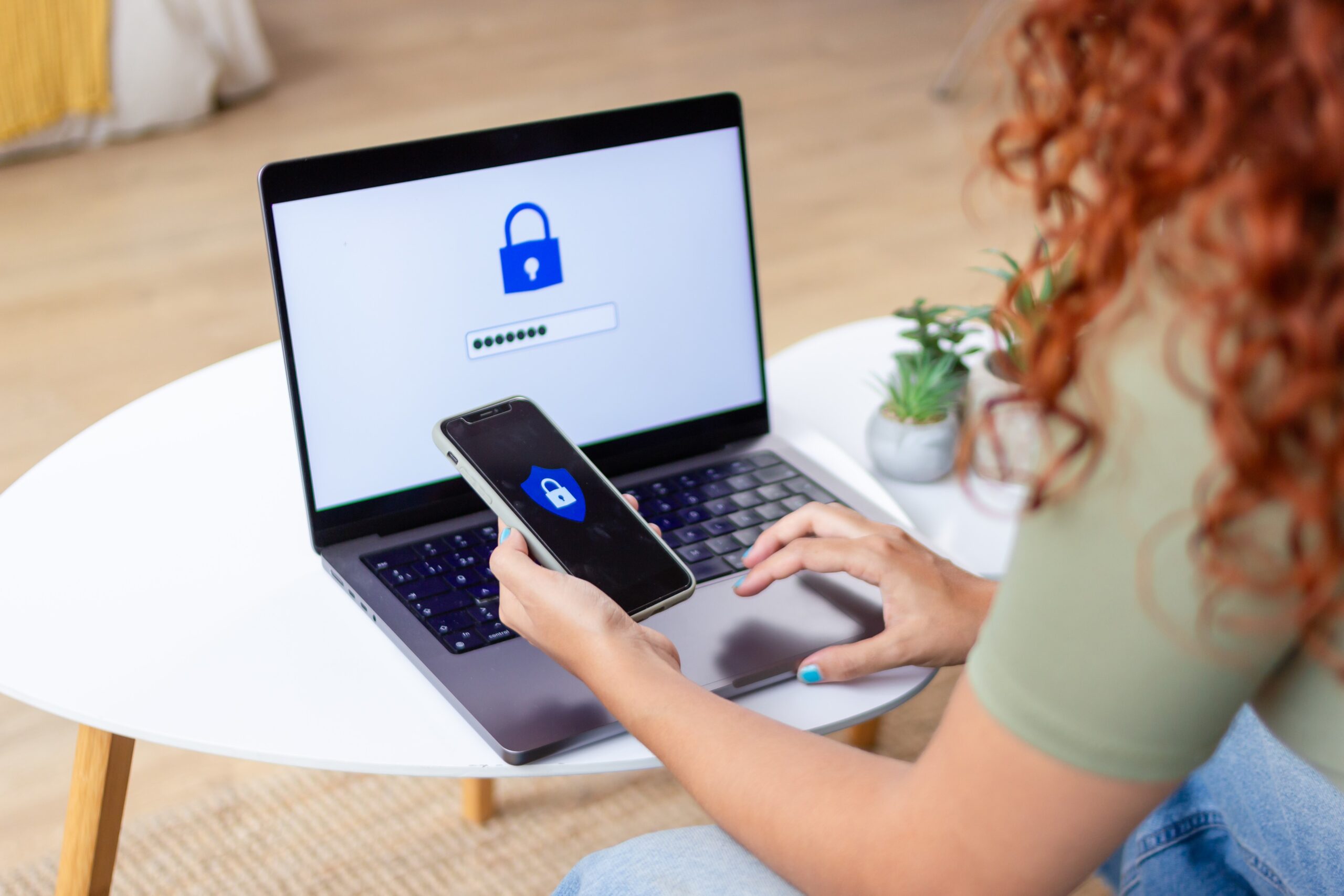
From online shopping to banking to staying connected with family, so much of our lives happen online — which means cybersecurity matters more than ever. Hackers are getting smarter, but a few simple habits can go a long way in keeping your personal information safe.
1. Be Smart About Public Wi-Fi
Free Wi-Fi at your favorite coffee shop or airport may be convenient, but it’s often unsecured — meaning others could intercept your data.
Play it safe:
- Avoid logging into your bank, email, or shopping accounts on public networks.
- Use a VPN (virtual private network) if you need to access sensitive information.
- Always “forget” public networks after use to prevent automatic reconnections.
2. Keep Everything Updated
Your laptop, smartphone, smart TV, even your connected thermostat all need regular software updates. These updates patch security holes that hackers can exploit.
Do this:
- Turn on automatic updates for all devices.
- Regularly update your router firmware and smart home gadgets connected to your network.
- Only install apps from trusted sources like the App Store or Google Play.
3. Use Reliable Antivirus Protection
A trusted antivirus or anti-malware program can help detect and block threats before they cause harm. Even careful browsing isn’t enough anymore — malicious code can hide in legitimate-looking links and ads.
Choose software that provides real-time protection and automatic updates, and run a full system scan at least once a month.
4. Back Up Your Data
Accidents happen — and so do ransomware attacks. Keeping a secure backup ensures you won’t lose precious photos, work files, or financial records.
Best practices:
- Back up to both the cloud and an external drive.
- Encrypt backups that contain sensitive information like SSNs or credit card numbers.
- Test your backups occasionally to make sure they’re working.
5. Strengthen Your Passwords
Your passwords are like digital keys — keep them strong and unique.
Quick tips:
- Use phrases instead of single words (e.g., BlueHorse$Jumping!)
- Never reuse passwords across sites.
- Consider using a password manager like 1Password, Bitwarden, or Dashlane to generate and store secure logins.
- Add multi-factor authentication (MFA) wherever possible for an extra layer of protection.
6. Look for HTTPS
Before entering personal or payment information online, check that the site’s URL begins with https:// — the “s” means secure. This encrypts your data and helps ensure you’re connecting to a legitimate website, not a fake one.
7. Stay Alert for Scams
Today’s cyber threats often arrive through phishing emails, fake texts, or even AI-generated scams that sound convincing. If a message pressures you to act quickly or share personal info — stop and verify through the company’s official website or app before clicking anything.
Stay Protected and Enjoy the Web
By combining these simple habits — staying updated, using strong passwords, backing up data, and watching for red flags — you can dramatically reduce your exposure to online threats.
The internet should make life easier, not riskier. With a few smart steps, you can browse, shop, and stream with confidence.